
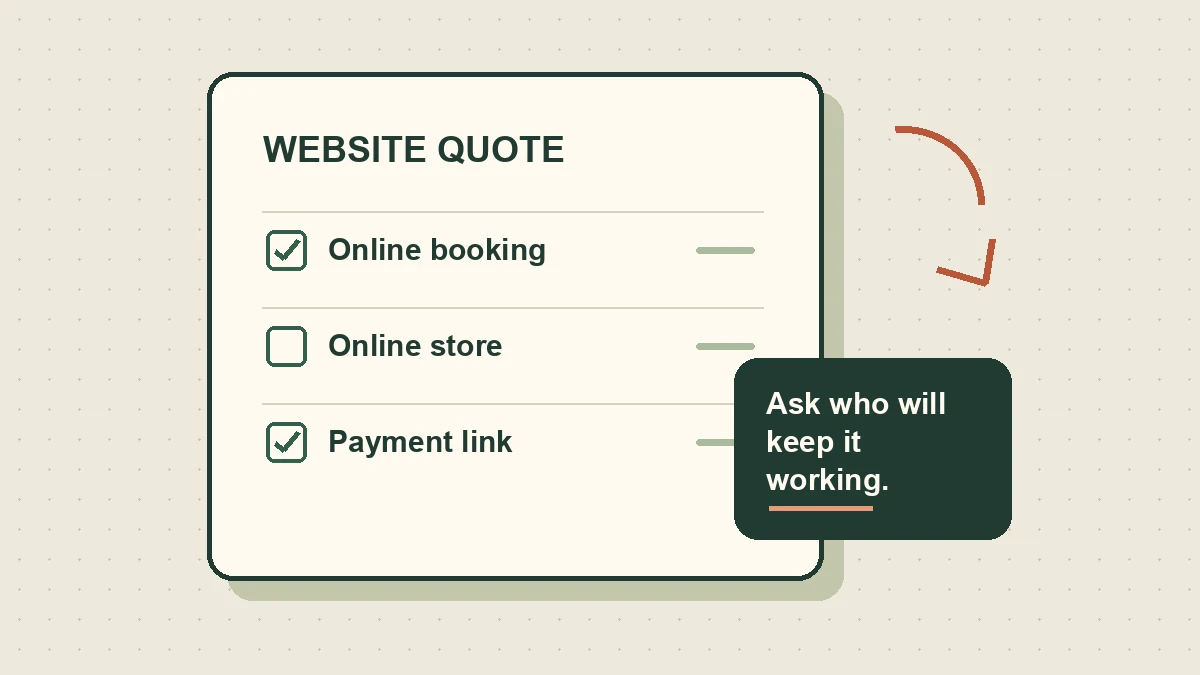
The website quote has three lines you weren't expecting: online booking, a store, and a chat box. Each one sounds useful until you picture someone using it on a Tuesday afternoon. Who answers the chat? What can a customer book without calling first? If the store is there to collect deposits, why are you paying for a shopping cart?
Read the quote with a pen in hand. Next to each extra, write what a customer or someone at your business will be able to do that they can't do today. If you can't finish that sentence, ask the person who put it in the quote.
Test the site on your phone before buying more
Look up your business the way a customer would. Can you find the service you want and see whether the business is open? Can you call, find directions if customers visit you, or send an inquiry without pinching the screen or hunting through the menu? If there's a form, send a test and see where it lands. A form that says “Thanks” while the message goes to an old inbox is worse than a plain phone number that works.
When those basics need work, spend there first. A chat box won't help much if the person covering the front desk can't keep an eye on it.
Let people book the jobs you can put on a calendar
If you run a salon in Arroyo Grande and know how long a haircut takes, think about how many calls start with someone asking whether Saturday is open. A booking page gives that customer a way to pick a time without waiting for a call back. If the business already uses Square Appointments, ask what it takes to link to its booking page before paying to build something new.
A fence repair is different. You need to see what broke and where before you know how long the job will take. A short quote form that asks for the address and a photo gives you enough to call back with a useful question. If you add booking later, the slot a customer picks can be for an estimate, not the repair itself.
Try a payment link before paying for a store
Say you take deposits after a customer accepts a quote. If your payment provider offers a tool like Square Payment Links, you can send the customer a checkout link when you're ready to take the deposit. Ask what that costs and how you'll match the payment to the job.
A store makes sense if customers need to browse what you sell, choose sizes or quantities, and check out without talking to you. Someone still has to keep prices and stock current, handle orders, and answer questions about pickup or shipping. Put a name next to that job before you put the store in the quote.
Ask what the bill looks like after launch
Have the designer separate setup from recurring charges. Ask which company sends each bill, whose name is on the account, and what happens if you stop using the tool. Then get specific about upkeep. If you change your Wednesday hours, who blocks off the time on the booking calendar? What happens when someone books a service you no longer offer?
If you're unsure an extra is worth it, leave it off and pay attention to what people ask over the next month. A tally by the phone is enough. If the same scheduling question keeps interrupting your day, you know what to ask for in the next quote.
What YouGrow Does Differently
With our Website Service, we build and look after the site for $99 a month, including changes like new hours, prices, or photos. Nothing extra to start. It's month to month, and if you leave, you keep your domain, content, and a copy of the site. We price separate services like ads and custom work on their own, so you can decide whether you need them.
If you want to see what a simpler site would look like for your business, ask us for a free mockup.