
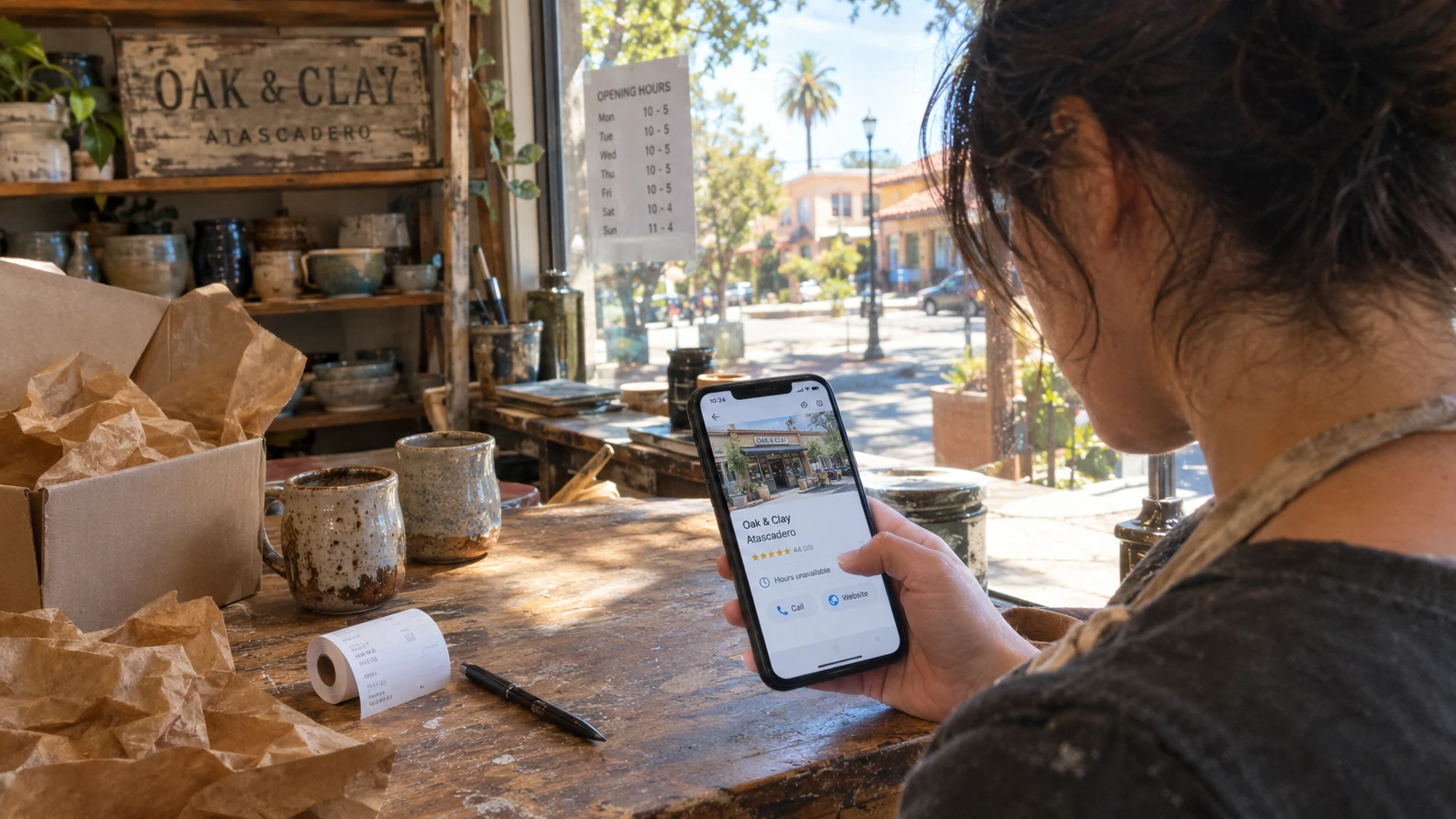
Imagine a neighbor gives someone your business name. They look you up on their phone before calling. Can they tell whether you do the job they need, serve their part of Atascadero, and take inquiries today?
That's a useful place to start if you're wondering how to stand out online. Before paying for a redesign or more advertising, follow that referral yourself. Write down anything missing or broken.
Check your Google Maps listing as a customer
Search your business name and Atascadero. Read the public listing, rather than just the screen where you manage it. Compare it with your website and the way your business runs now.
- Does the phone number reach you?
- Does the website link open your current site?
- Are the services and business category accurate?
- Are customer-facing hours correct, including upcoming holiday changes?
Google recommends complete, accurate business information. For an appointment-only business, make the appointment requirement clear on your website. Don't make it sound as though customers can walk in whenever you're working.
Use the name customers know. Don't tack on extra towns or services to make it look more searchable. If you haven't claimed your listing yet, our Google listing setup guide covers that separately.
Say what you do and where you work
A referral gives someone your name, but not necessarily your full service list. A heading like "Quality home services" leaves them guessing. Name the actual work: fence repairs, interior painting, or recurring house cleaning, if those are services you offer.
Put the main services near the top of your homepage. Give each enough explanation to answer the first phone-call question. Do you handle small repairs? Do you clean homes, offices, or both? Are lessons for children, adults, or either?
Be equally clear about location. If you travel to customers, a line such as "Based in Atascadero, serving Templeton and Paso Robles" works only if that is your real coverage. Name the towns you accept work in, and explain any travel limits.
A shop customers visit needs its address and useful arrival details, such as the entrance or parking. A business run from home that only travels to customers is different. Google's guidelines say service-area businesses should hide their address from customers. You don't need to publish your home address to explain where you work.
Show the work people are asking about
Choose photos that answer a customer's question. A repair business can show the damaged part and the finished repair. A studio can show the room where lessons happen. A shop can show its entrance and the products it carries.
Use your own work, with permission where needed. Keep customer addresses, faces and private details out unless you have permission to show them. Add a short caption explaining the job. A real project photo tells someone more than another claim about excellent service.
Read your reviews, too. Answer questions or concerns without sharing private customer information. If you want to ask for more reviews, Google allows a review link or QR code, but prohibits rewards for reviews. Ask for honest feedback, and don't ask only the customers you expect to leave positive reviews.
Our guide to asking for Google reviews has more detail. If you quote a customer on your site, get permission and keep their wording accurate.
Make the call or inquiry yourself
Open your website from the Google Maps listing on your phone. Turn off Wi-Fi for this check so you're trying it on a mobile connection.
Tap the call button. Does it bring up the right number? Can you find it without dismissing a popup or hunting through the menu? Call and listen to the voicemail greeting, especially if it still mentions old hours.
Submit a test inquiry through your form. Check that it reaches the inbox you actually monitor. A success message on the page isn't enough. If it lands in spam or never arrives, have that fixed before sending more people there.
Ask only for what you need to answer: usually a name, a way to reply, and a short description of the job. If you promise a response time, make sure you can meet it. Test directions for a visitor location, or the booking link if you use one. You don't need a booking system just to accept an inquiry.
Decide whether you need repairs or more visitors
If the phone link is wrong, fix it first. If people can't tell whether you serve them, add the missing information. Neither problem needs a new logo.
If those basics work and referrals already keep you busy, a redesign doesn't have to be your next expense. Keep the hours, photos and services current.
If you need more work, distinguish people searching your name from people searching for a service. This check helps the first group. Reaching the second takes a separate look at how they find you. Google says you can't pay for a better local ranking, and accurate details don't guarantee a top spot.
What YouGrow Does Differently
We build your website and handle the changes you ask for, including services, hours and photos. The Website Service is $99 a month, including hosting and Technical Care. Nothing extra to start. The build is included in the monthly service.
It's month-to-month, with no lock-in. Give 30 days' notice if you leave, and keep your domain, content and a copy of your site. Google Maps listing care and ads are separate from the standalone Website Service.
Want to see a website made for your business? Visit our Atascadero web design page and ask for a free custom mockup.