
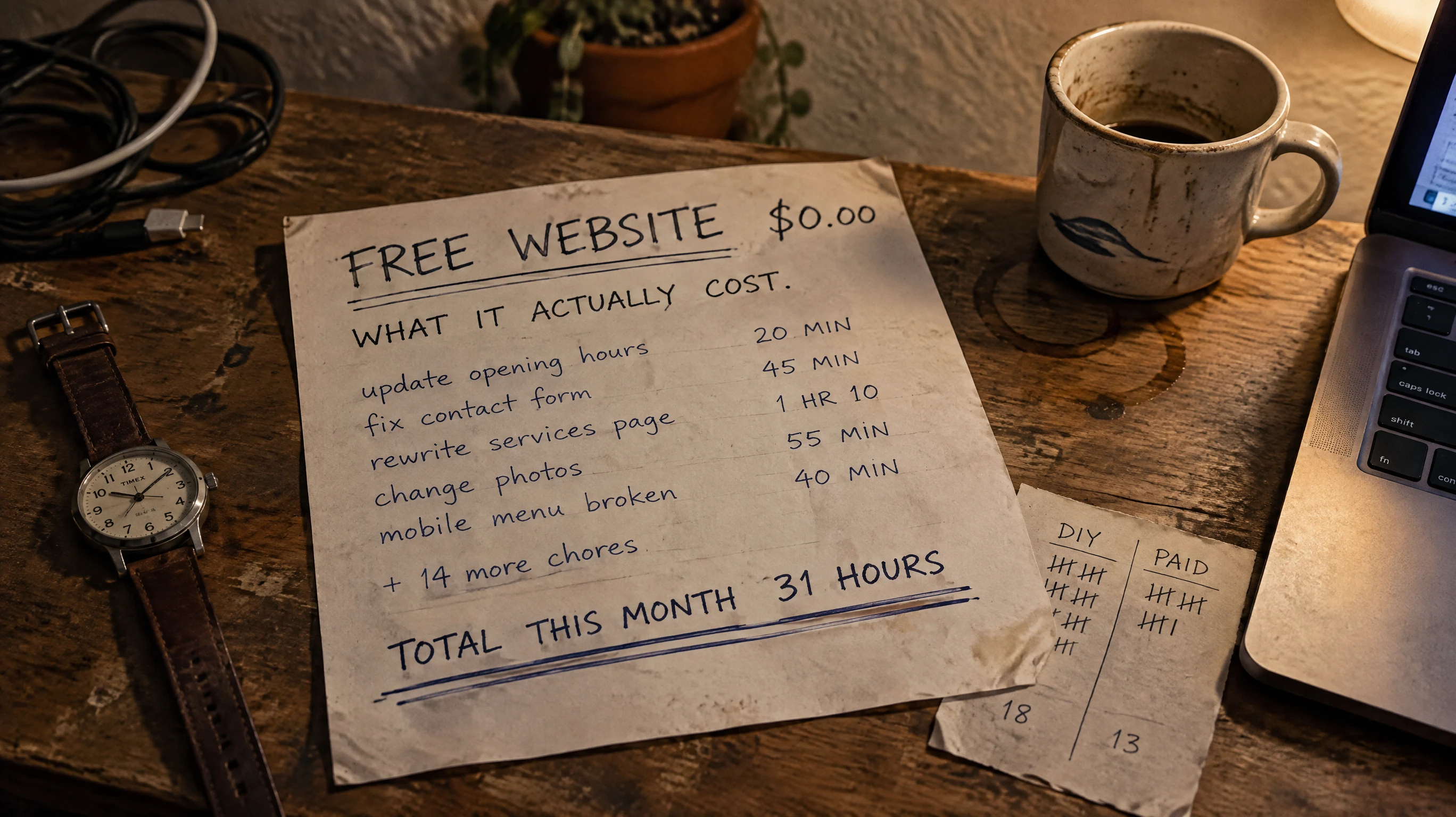
How much of your evening goes into changing one photo on your website? Count finding the file, getting it into the page, and checking that it still looks right on your phone. The website bill can say zero while the work takes longer than you expected.
For a small business owner in SLO County, that time deserves a place in the budget. But a free DIY website isn’t automatically a bad deal. Before paying someone else, measure what you actually do for a month.
Keep the build separate from the monthly work
Choosing a layout, writing your service pages, gathering photos, and learning the editor belong in your launch tally. Record those hours separately from the jobs that keep coming back.
If your website is already live, the time you spent building it is gone. Don’t charge that time to every future month to make DIY look expensive. Compare the work ahead of you.
Also check what your platform already handles. WordPress.com handles software updates, security, and backups. Self-hosted WordPress puts more technical responsibility on you, depending on your host. You don’t need to budget for chores someone else already does.
A future rebuild is different. If you need one, estimate its hours as a separate project rather than treating it as normal monthly work.
Track one month, including the little jobs
Keep a note beside your laptop or use a simple spreadsheet. Start a timer when you begin website work and stop it when you switch tasks. Use these columns:
- Date and task.
- Minutes spent, including looking up how to do it.
- One-time work or a recurring job.
- Necessary change or optional tinkering.
Count more than time inside the editor. Include gathering photos, writing a service description, changing hours or prices, and checking the result on a phone. Add time spent testing a contact form through to your inbox, fixing a broken link, contacting support, or relearning a setting you last used months ago.
List jobs you’ve put off too, but don’t guess how long they would have taken. A low time total means little if your new phone number still isn’t on the site.
Keep optional redesigns separate. Trying six button colors is a different expense from correcting your opening hours. Cutting the tinkering can make DIY cheaper without hiring anyone.
Keep Google listing work in its own column. Google lets you edit hours and other business details on your Google Maps listing. That work belongs in a separate tally unless the help you’re considering includes it.
At month’s end, add the recurring minutes and divide by 60. If this was your launch month or an unusually busy or quiet stretch, track another month before treating the total as typical.
Put a value on the hours you can actually get back
Ask anyone quoting paid help to go through your task list. Which jobs will they do? What will you still need to supply or approve? Paying someone won’t remove every minute. You still know your prices, services, and holiday plans better than they do.
Subtract that remaining time from your DIY hours. Those are the hours you expect to get back.
Choose what an hour free of website work is worth to you. That can be what you’d pay to avoid the job or how much you value a free evening. Write it down as your personal hourly value, separate from actual cash spending.
If you expect to use the hours for customer work, check whether you have demand and space in your schedule. Use the extra profit left after the costs of doing that work, not your advertised hourly rate. An hour saved at night doesn’t automatically become another paid appointment.
Getting more rest is a valid reason to pay for help. You don’t have to dress it up as lost revenue.
Compare the next month, then the first year
Use the same task list for both options. A one-time build quote doesn’t cover ongoing changes unless it says so. A support chat that teaches you how to make a change leaves you doing the work.
Fill in these two lines with your numbers:
- DIY: $___ in monthly website bills + (___ recurring hours × $___ personal value per hour).
- Paid help: $___ in monthly fees and remaining website bills + (___ owner hours × the same hourly value).
Keep the cash totals visible on their own. A lower combined cash-and-time total can still mean a bigger bill you can’t comfortably afford.
To see what you’d pay for the time alone, subtract DIY cash costs from paid-help cash costs. Divide that extra monthly cash by the hours you expect to get back. The result is what you’d pay for each hour freed up. Compare it with your chosen value. If no hours disappear, there’s no time-saving case; better design or reliability would need to justify the bill instead.
For the first year, add up each option’s expected cash bills and owner hours over 12 months. Include any upcoming build, setup, or move: choosing pages, providing materials, and reviewing a new site take time even with help. Don’t include the old build hours. Use a range if you don’t yet know how long a job will take.
When keeping DIY makes sense
Keep doing it yourself if the site works, changes are infrequent, and you can make them without a struggle. Enjoying the work and wanting direct control count too. A small cash budget is a real constraint, even when your time is valuable.
If necessary changes keep piling up or troubleshooting eats your evenings, ask for help. It also makes financial sense to compare quotes when website chores block time you could use for profitable work you already have waiting.
You don’t have to hand off everything. One paid session to fix a stubborn problem, or a simpler layout with fewer moving parts, can leave you with a DIY site you can comfortably keep running. Ask what the one-time help includes and who handles the next problem.
What YouGrow Does Differently
We build your website, handle hosting and technical care, and make the changes you ask for: hours, prices, photos, services, and pages. The Website Service costs $99 a month. Nothing extra to start. The build is included in the monthly service.
It’s month-to-month, with no lock-in. Cancel with 30 days’ notice and keep your domain, content, and a copy of your site. You still supply business facts and approve what we put on the page. Complex custom features need a separate quote.
If you’re weighing it up, let’s talk about your website. Bring your month’s time log and ask which jobs we’d take off your plate.