
Imagine someone gets your business name from a friend in Santa Maria. They look you up to check whether you offer the service they need. Your Facebook page has recent photos and happy comments, but the answer is somewhere in the posts. Do they keep scrolling, message you, or put it off?
If Facebook brings you business, keep using it. The reason to add a website is to give people a clear place to check the details, including people who don't use Facebook.
When Facebook is enough
A Facebook page can be useful for sharing finished work, announcing a change in hours, and talking with people who already follow you. You don't need to stop doing any of that.
If referrals keep your schedule full, your customers can find what they need, and you have a contact option besides Messenger, a separate website may not be your next expense. Fixing an outdated phone number or adding clear service details to your page is worth doing first.
But having followers doesn't tell you what happens to a person who has never heard of you. Check what that person can actually see before deciding the page covers everything.
Try your page without Facebook
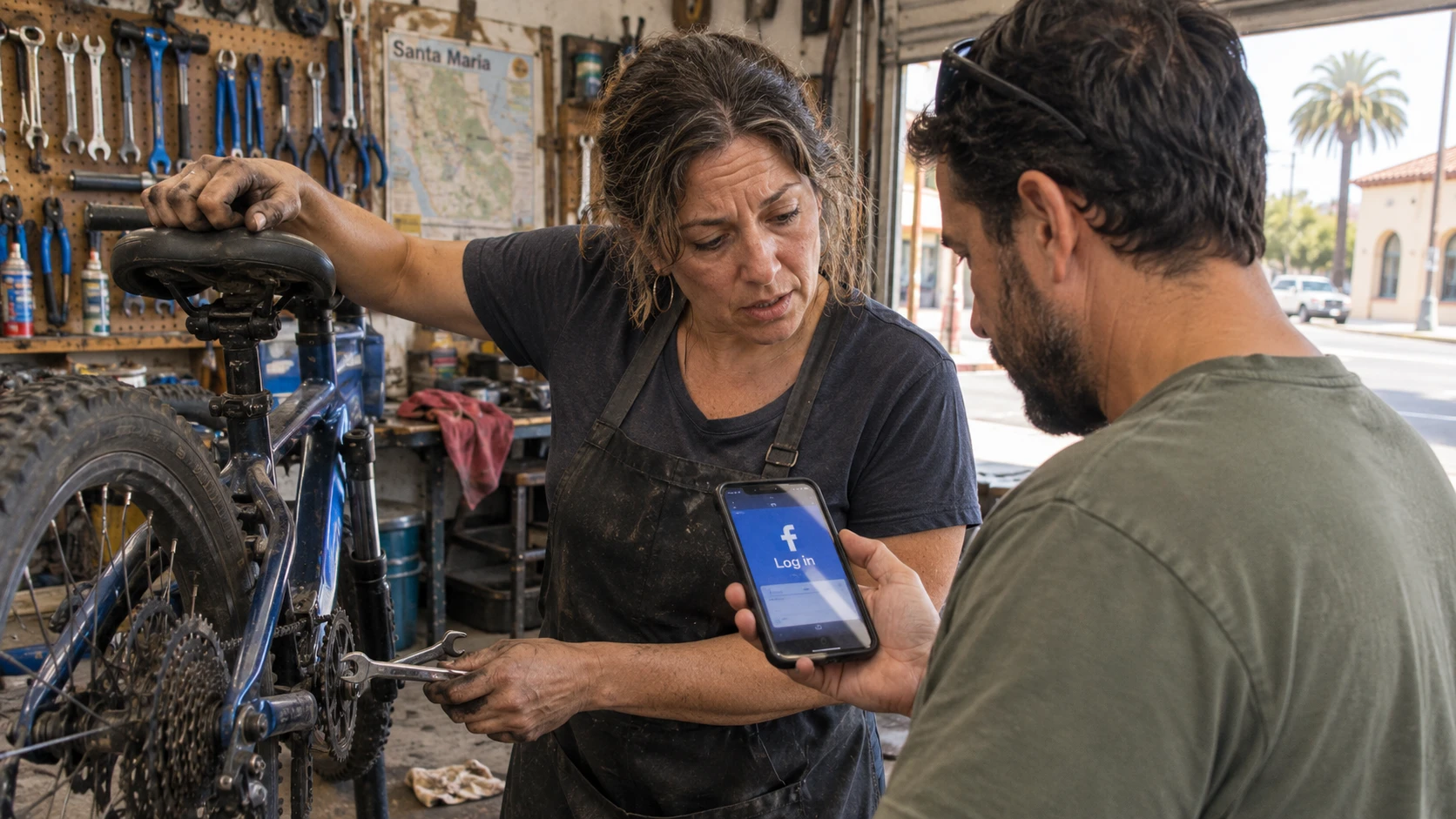
Open your business's Facebook link on a phone while logged out. Better yet, ask someone who doesn't use Facebook to try it. Don't assume every public page requires a login. Test yours.
Ask them to find these answers without your help:
- Do you offer the specific service they need?
- Can they visit today, or do they need an appointment?
- Do you serve their address?
- Where can they check prices or ask for an estimate?
- Can they call, email, or inquire without Messenger?
Notice where they stop. A login prompt, an old announcement, or a missing service description gives you something concrete to fix. If they find everything easily, that matters too. You don't need a website because someone says every business must have one.
Put the useful answers on a small website
For a Santa Maria business starting with a Facebook page, the first website can be small. One well-organized page is enough if it answers the questions. Add separate pages when your services need more explanation.
Describe the work in the words customers use. A photo of a finished job helps, but it doesn't explain what's included, what you don't do, or whether you're taking new work.
List the places you actually serve. If you work in Santa Maria but only take certain jobs farther away, say so. For a shop customers visit, give the address, current hours, and any useful parking or entrance details. If you visit customers instead, explain your service area and how appointments work.
Prices deserve more than "contact us" when you have a fixed menu. Publish the prices and what's included. If every job needs an estimate, explain what affects the price and what information you need to quote it. Don't invent a starting price just to fill the space.
Add real photos and an obvious phone number, email link, or short inquiry form. Test that the inquiry reaches someone who will answer it. A form nobody checks isn't an improvement over Messenger.
You don't have to start a blog or post every day. Keep Facebook for the news. Let the website hold the details people need even when you haven't posted this week.
Give Google Maps a different job
Your Google Maps listing can answer quick questions before someone opens either page. Google lets you edit business hours, contact information, and your website link. Keep those details consistent with your website and Facebook page, including holiday hours.
Don't treat a home office like a walk-in shop. Google says service-area businesses should hide their business address. If you go to customers and don't receive them at home, show the areas you serve instead of inviting visitors to your house.
Our Google listing setup guide covers the setup. You can work on an eligible business's listing before buying a website. Adding a site doesn't guarantee a particular spot in search results.
Is the expense worth it?
For a week or two, note the basic questions you keep answering by phone or message. Check whether people ask how to reach you outside Facebook. Those are useful clues about what a website should cover, not proof that it will bring new customers.
If you have all the work you want and the logged-out test goes well, waiting is reasonable. If people struggle to check your services or contact you, price a small site that fixes those gaps.
Compare the full cost, including hosting and changes, against what you keep from a job after expenses. Don't use the entire sale amount as profit. Then ask who will keep the site accurate. A cheap site you never have time to finish or change won't answer the questions either.
What YouGrow Does Differently
We build your website and handle the changes you ask for, including hours, prices, photos, and services. You email or call us instead of learning another website editor.
The standalone Website Service is $99 a month, including hosting and Technical Care. Nothing extra to start. The build is included in the monthly service. It's month-to-month with no lock-in; cancel with 30 days' notice and keep your domain, content, and delivered site files. Google Maps listing care is a separate service.
Want to see what your business's services would look like on a website? Ask us for a free custom mockup. You can keep the Facebook page that's already working for you.