
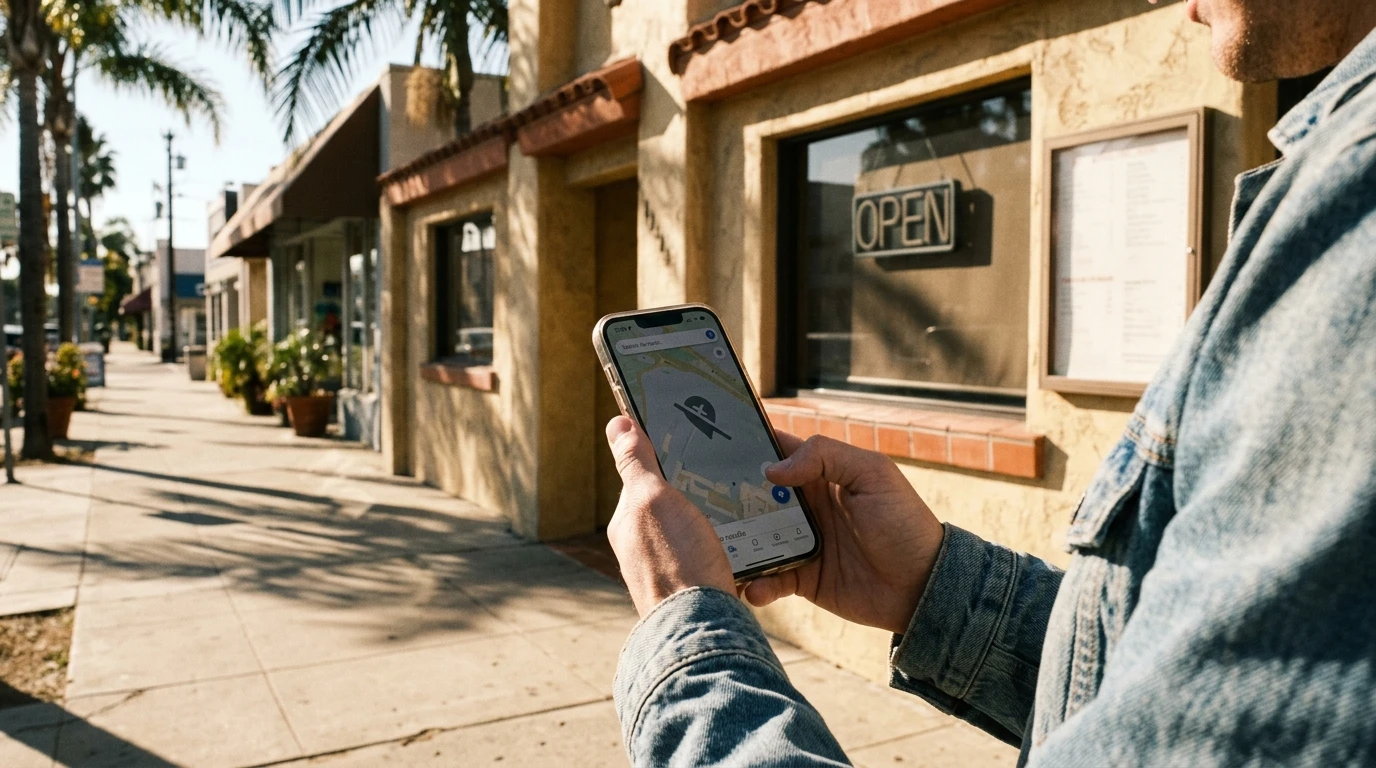
You Google your own business name. Nothing. You search “plumber in Arroyo Grande” or “bakery near me” and scroll through the map results. Your competitor is right there. You’re not.
That’s not a minor annoyance. 76% of people who search for something nearby on their phone visit a business within a day. And 87% of consumers use Google when they’re looking for a local business. If you’re not on that map, those customers are going somewhere else.
The good news: it’s almost always fixable. Here are the 7 most common reasons businesses disappear from Google Maps, starting with the one I see most often.
1. You Haven’t Verified Your Listing
This is the big one. Google will not show unverified businesses on Maps. Period.
A lot of business owners create a Google Business Profile, fill in their info, and assume they’re done. But there’s a verification step. Google needs to confirm you’re a real business at a real address. That usually means a postcard, a phone call, an email, or sometimes a video call where you walk around your location.
If you skipped that step or started it and never finished, your listing is sitting in limbo.
Go to business.google.com, sign in, and check your verification status. If it says “pending” or “unverified,” follow the prompts. Takes a few minutes.
2. Your Profile Is Half-Empty
Google ranks businesses with complete information higher than businesses with gaps. Makes sense. If Google doesn’t know your hours, your phone number, or what you actually do, why would it recommend you to someone?
75% of businesses that show up in the top 3 Google results have filled in their profile description. Less than 40% of businesses ranked 11th or lower bothered. That’s not a coincidence.
Think of your Google profile like your storefront. Would you trust a shop with no sign out front, the lights off, and no posted hours? Neither would Google.
Open your profile and fill in everything. Business name (exactly as it appears on your building), hours, phone number, website, description, categories, photos. All of it.
3. You Picked the Wrong Category
This one trips up more businesses than you’d think. Your primary category is the single most important factor in how you rank on local search. Not your reviews, not your website, not how long you’ve been in business. Your category.
If you’re a plumber but you picked “Home Services” as your category, you won’t show up when someone searches “plumber near me.” Google is matching searches to categories. General labels get general (bad) results.
Check your primary category. Be as specific as Google lets you. “Plumber” not “Contractor.” “Hair Salon” not “Beauty.” You can add secondary categories for other services you offer, but your primary one needs to be dead-on.
4. Your Business Info Doesn’t Match Across the Web
Your business name, address, and phone number appear in more places than you realize. Google, Yelp, Facebook, your website, the BBB, old Yellow Pages listings. Google checks all of them.
When the details don’t match, Google gets confused. Your website says “123 Main St” but Yelp says “123 Main Street, Suite B.” It doesn’t know which version is right. And when Google isn’t sure, it plays it safe by not showing you at all.
Here’s what to do: Google your business name. Look at the top 5-10 results. Your name, address, and phone number should be identical everywhere. Not close. Identical. If you moved locations or changed phone numbers at some point, old info is probably still floating around. Track it down and update it.
5. You Don’t Have Any Reviews
Reviews are one of the three things Google looks at when deciding which businesses to show: relevance, distance, and prominence. Prominence is basically “how well-known is this business?” And reviews are a big part of that.
Zero reviews tells Google you’re either brand new or nobody’s talking about you. That’s a bad signal. Plus, 97% of consumers read reviews before choosing a local business. Even if you do show up on the map, no reviews means most people will scroll right past you.
We wrote a whole guide on this: How to Get More Google Reviews (Without Begging).
Ask your happy customers. Send them a direct link to your Google review page. Don’t buy fake reviews. Google catches them, and the penalty is worse than having no reviews at all.
6. You Just Opened (And Google Needs a Minute)
If your business is brand new, Google says it can take up to a month for rankings to appear. That’s not a glitch. Google is building confidence in your listing, checking that your info is real, that your address exists, that other sources back you up.
Don’t just wait though. Use that time to fill your profile completely, add photos of your actual business, and start getting your first reviews. When Google does start showing you, you want to look ready.
7. Your Listing Got Suspended
This is the scary one. Google suspends listings that violate their rules. Common triggers:
- Stuffing keywords into your business name (“Bob’s Plumbing — Best Plumber in SLO County” instead of just “Bob’s Plumbing”)
- Using a fake address or P.O. Box
- Creating multiple listings for the same business
- Listing a home address for a business that goes to customers (like a mobile dog groomer)
If your listing was suspended, you’ll see a notification in your Google Business Profile dashboard.
Read Google’s guidelines, fix whatever triggered the suspension, and submit a reinstatement request. Takes a few weeks, but it works if you actually fix the problem.
When to DIY and When to Get Help
Honest assessment: problems 1 through 4 on this list are things you can fix yourself in an afternoon. Reviews take longer, but you can start today. Suspensions can get complicated.
If you’ve worked through this whole list and you’re still invisible, there might be something deeper going on. Duplicate listings, penalty issues, or competition that needs a more deliberate strategy. That’s when it makes sense to get someone involved who does this regularly. We offer a Local SEO service for exactly this situation.
What YouGrow Does Differently
When we build a website for a local business, Google Business Profile setup is part of the package. We make sure your listing is verified, your info matches everywhere, your categories are right, and your profile is complete before we call the job done. Because a great website that nobody can find on the map is only doing half its job.
If your business is missing from Google Maps and you want help fixing it, let’s talk. Or if you just want to ask a question, drop into our free monthly office hours — no strings attached.
Go Google your business name right now. If you don’t see yourself on the map, start at #1 on this list and work your way down. Most businesses fix this in an afternoon.