
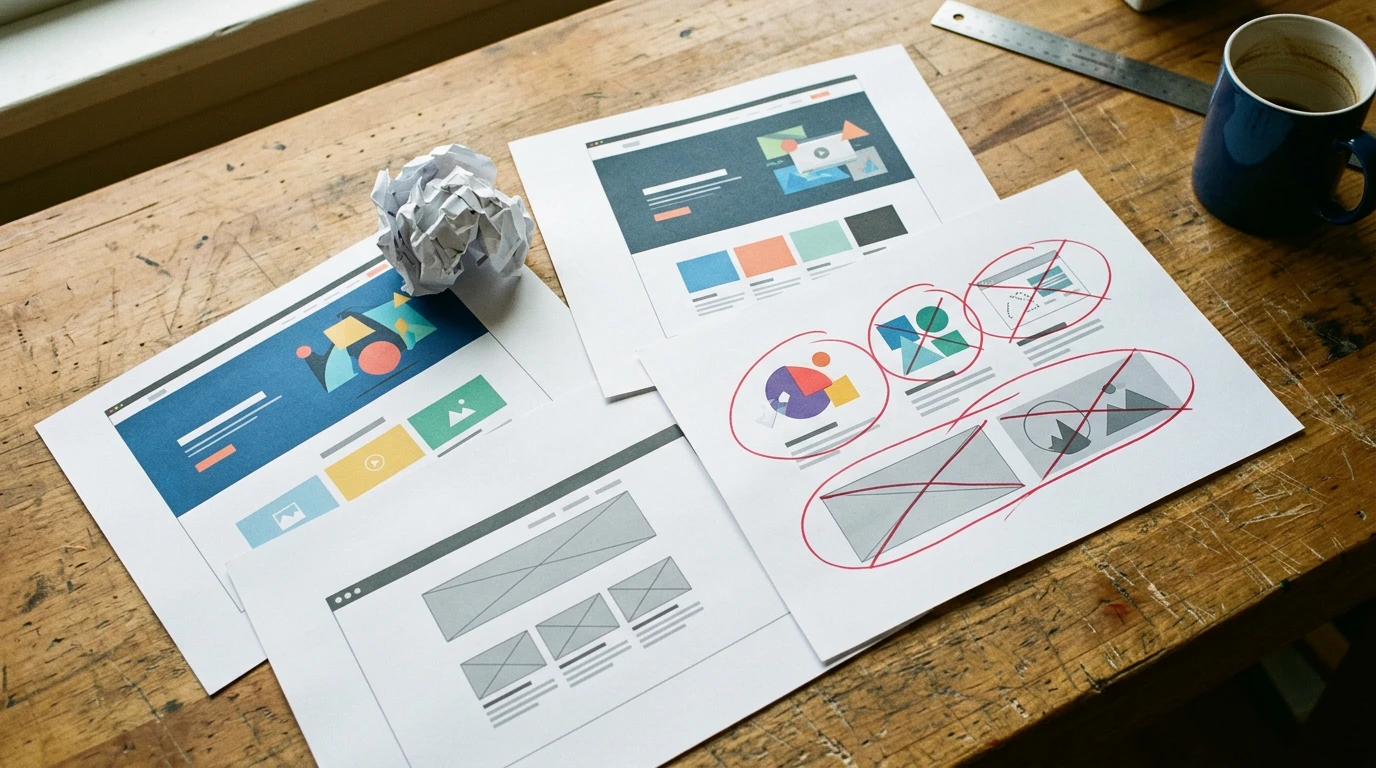
I’ve taken over a lot of DIY websites. GoDaddy, Wix, Squarespace. At this point, I can usually tell you what’s wrong before I even open the editor.
It Looks Like a Website. Google Doesn’t Agree.
Something most people don’t realize: just because you made a line of text bigger and bolder doesn’t mean it’s a headline.
To you, it looks like a heading. To Google, to screen readers, to anything reading the code underneath, it’s just regular text that someone styled to look important.
Think about newspaper articles. There’s a headline. A subhead. A lead paragraph. Then the body. That structure isn’t random. It works because readers already know where to look for what.
Websites work the same way. The code underneath has its own version of headlines, subheads, and body text. When those are set up right, Google can read your page, understand what it’s about, and show it to people searching for what you offer. When they’re not set up right, when the “headline” is just styled-up text, Google sees a wall of content it can’t parse.
I’ve had clients who, on paper, had a website. Pages, photos, contact info, the works. But when I looked at how it was actually built, there were no real page titles, no descriptions for search engines. Nothing that told Google what the site was even about. It looked like a website. It was invisible.
The Template Trap
You see a demo site on GoDaddy or Squarespace and it looks great. Clean, modern, professional. You think: I can make mine look like that.
Then you start building. You want the logo a little bigger. The text a different color. That section moved down a bit. And suddenly you’re fighting the template. Things shift in ways you didn’t expect. The spacing breaks. What looked clean in the demo looks cluttered with your real content.
Most people skip the part that comes before design. Figuring out what you’re actually trying to say.
Who’s your customer? What do you sell? What makes you different from the three other businesses doing the same thing in your town? Once you know those things, the design part gets way easier. It stops being a guessing game. When you don’t know them, you’re just decorating.
The Part I Had to Learn the Hard Way
When I first started taking over DIY sites, I’d point out the problems. The missing structure. The broken layouts. The things that were hurting their search rankings without them knowing.
I didn’t expect people to get heartbroken about it.
But they did. And the second it happened, I understood why.
These are people trying to grow their business. They heard building a website was easy—the ads certainly make it sound that way. So they committed. Nights. Weekends. They spent a shit ton of time on something they weren’t trained to do, because they thought it was the responsible, scrappy move.
And they built something. It wasn’t perfect, but they made it. When you make something—anything—there’s an attachment that comes with it. That’s human. I’d feel the same way.
That changed how I do things. I don’t walk in pointing out everything that’s wrong anymore. I ask what they were going for. I listen. Then we figure out together what’s worth keeping and what needs to change.
Nobody’s bad at design. The ads just made it sound way easier than it actually is.
The Trap You Didn’t Know You Signed Up For
There’s one more thing that people usually don’t discover until they’re ready to leave: getting your stuff out isn’t easy.
GoDaddy, Wix, Squarespace. None of them offer a clean export of your entire site. All your images and text and page layouts are stuck in their system. If you want to move, someone has to manually pull everything out, or scrape it, or just start over.
That’s not an accident. The whole thing is designed to keep you paying. Make leaving annoying enough and most people just stay.
And then there’s the upselling. I can’t tell you how many times I’ve logged into a client’s GoDaddy account and found they’re paying for things they never needed. Premium security add-ons. SEO tools that don’t do what they promise. Services sold through scare tactics and aggressive checkout flows. (We did a full breakdown of GoDaddy’s builder if you want the details.)
Every time, it’s a relief to tell someone they can cancel half of what they’re paying for.
What I Actually Tell People
If any of this sounds familiar, this is what I tell them.
Take some time to assess where you’re at. Is your website doing what you need it to do? Are people finding you through it? Are they calling?
If not, the answer probably isn’t another template. It’s going back to the drawing board on your content. Get clear on your story. Get clear on who you’re talking to and what makes you worth choosing. Once you have that, the next step tends to sort itself out.
I’d rather see an ugly website with clear thinking behind it than a pretty template that says nothing about the business.
What YouGrow Does Differently
At YouGrow, I handle the whole thing. You tell me about your business. What you do and who you do it for. I build you a professional website that’s structured right, loads fast, and works for all your customers. $99/month, everything included. Month-to-month, cancel with 30 days’ notice.
No dashboard to fight with. No templates to wrestle. You need something changed, you email or call me at 805-439-6288. I’m in Arroyo Grande.
If you’re stuck with a DIY site that isn’t working, let’s talk.
Onur builds and manages websites for SLO County small businesses at YouGrow.pro. Based in Arroyo Grande. $99/month, everything included.