
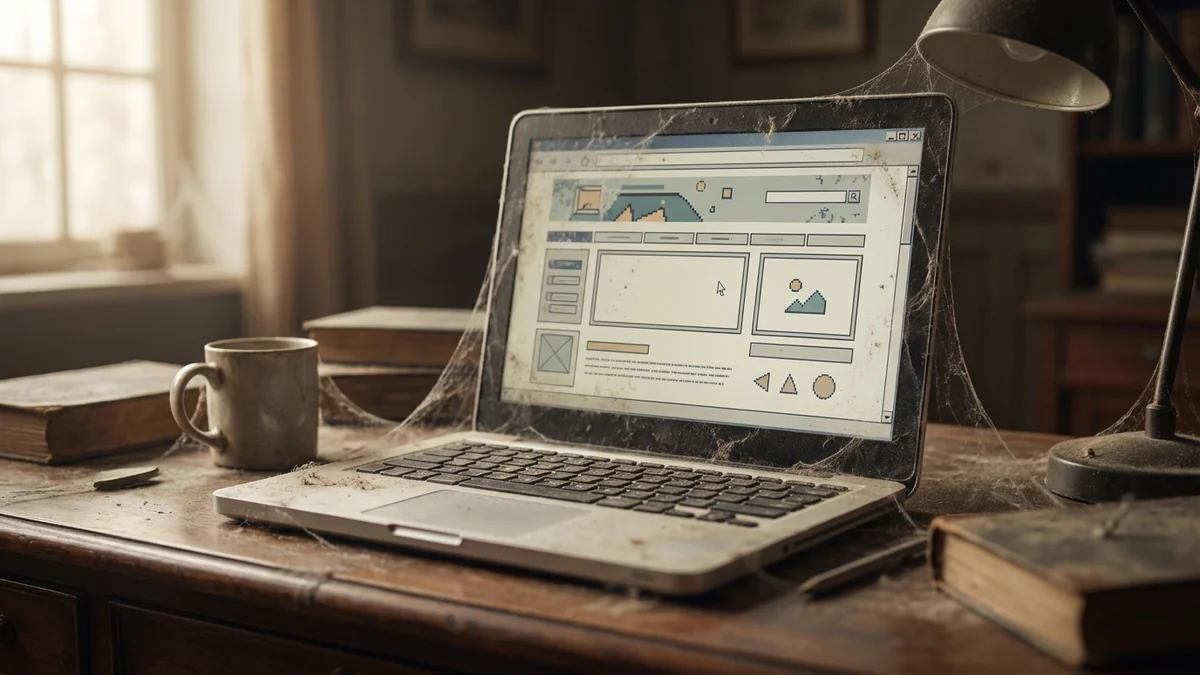
You know your website needs updating. The hours are wrong. The photos are from 2019. You added a new service six months ago and it's still not on there.
But every week, it stays on the to-do list. And every week, something more urgent comes up.
You're not alone. Most small business websites are out of date. Not because their owners don't care—because running a business is already a full-time job.
Why Outdated Websites Actually Hurt Your Business
Before we get into the "why," let's talk about the cost of ignoring this problem.
Visitors form an opinion about your website in just 0.05 seconds—faster than they can read a single word. And 75% of consumers judge your credibility based on your website design.
That's not about having the fanciest animations. It's about looking current, professional, and trustworthy. When your site looks like it hasn't been touched in years, visitors assume the rest of your business is the same way.
The consequences are real: 88% of online consumers won't return after a bad website experience. And 38% will stop engaging entirely if the layout or content looks unattractive.
They don't call to complain. They just leave—and go to your competitor instead.

The Real Problem: You're Already Working 50+ Hours
You probably already know your website needs attention. So why doesn't it happen?
Because you're running a business.
84% of small business owners work more than 40 hours a week. You're handling customers, managing employees (if you have them), dealing with suppliers, chasing invoices, putting out fires. The website isn't on fire—so it waits.
Here's the kicker: the average business owner gets only 1.5 hours of uninterrupted, productive time per day. That's it. An hour and a half to do all the important-but-not-urgent work that moves your business forward.
Website updates don't stand a chance against payroll, customer emergencies, and the hundred other things demanding your attention right now.
The CMS Trap: "Easy to Update" Wasn't Easy
Remember when you got your website? Someone—maybe an agency, maybe a freelancer, maybe you—said it would be "easy to update."
Then you tried to change your phone number.
Suddenly you're logging into a dashboard with 47 menu options. There's a "block editor" you don't understand. The button that should say "Save" says "Publish" and you're not sure what happens if you click it. Will it break something? Will customers see a half-finished page?
So you close the tab. You'll figure it out later.
This isn't user error. 49% of CMS users say publishing content takes over an hour. And 14% report it takes a full day or more.
Content management systems were built for professional web developers and marketing teams. They weren't built for a plumber who just wants to add a new service to the list.

"My Web Designer Will Handle It" (But They're Gone)
Maybe you didn't plan to update the site yourself. You had a web designer.
Had.
They built your site, launched it, and moved on. Now when you email them, you get silence. Or you get a quote for "hourly support" that feels like highway robbery for changing your business hours.
This is surprisingly common. Freelancers take on new projects. They get full-time jobs. They stop freelancing altogether. And they're juggling multiple clients at once—your "quick update" is competing with bigger, more lucrative work.
(We covered this in detail: Why Your Web Designer Stopped Returning Your Calls.)
Agencies have the same problem at a bigger scale. Your $5,000 project isn't big enough to keep their attention once it's launched. You're not a priority anymore.
The Security Problem You Don't See
Here's what's quietly happening while your website sits untouched:
97% of WordPress security vulnerabilities come from plugins. Those helpful little add-ons that make your site work? They need regular updates. When you're not updating them, you're leaving security holes open.
In 2023 alone, 5,948 new WordPress vulnerabilities were discovered—a 24% increase from the year before. Hackers aren't personally targeting your small business. They're running automated scripts that scan millions of sites for these known vulnerabilities.
Your outdated plugin is an open door. And unlike a break-in at your physical store, you might not even notice until a customer tells you your site is selling fake pharmaceuticals.
(For the full breakdown, see What Happens When Your Website Breaks.)
What Actually Works: Take It Off Your Plate Entirely
Let's be honest about the options:
Option 1: Commit to regular updates yourself. Block time on your calendar. Learn the CMS. Make it a habit. This can work—if you have the time and patience. Most business owners don't, which is why the site stays outdated.
Option 2: Pay someone hourly. Find a reliable freelancer or agency. Pay them every time you need a change. This works too—but it gets expensive, and you're always hunting for someone available. (We covered the costs in How Much Should a Small Business Website Cost?)
Option 3: Get a managed website. Someone else owns the problem. You email when you need a change. They handle it. You never log into a dashboard, never worry about security updates, never wonder if your designer is still in business.
The third option wasn't realistic for most small businesses until recently. Managed website services were either expensive or designed for big companies.
That's changing.

The Hidden ROI of Fresh Content
Here's something worth knowing: updated content actually brings in more business.
HubSpot found that 76% of their monthly website traffic came from older posts—content that was kept fresh and updated. And 92% of their leads came from that same older content.
Even better: when they updated and republished old content, traffic to those pages increased by an average of 106%.
Your existing content—service pages, about pages, the stuff that's been sitting there for years—has more potential than you think. It just needs attention.
The question is: who has time to give it that attention?
What YouGrow Does Differently
At YouGrow, we don't just build your website and hand you the keys. We build it and manage it—forever.
Here's what that means in practice:
- You never log in. Need something changed? Send an email or call. We handle it within a business day.
- No CMS to learn. Our sites don't have a confusing dashboard because you're not the one updating them. We are.
- Security is our problem. We build sites that are secure by design—no plugins to exploit, no databases to hack.
- Same person, same number. I'm Onur, I'm in Arroyo Grande, and I answer my phone. You're not a ticket number at a call center.
All of this is included in the $99/month. No hourly surprises. No extra fees for "maintenance." Month-to-month, cancel with 30 days’ notice.
For Website Service clients? Month-to-month. Just a professional website that stays current, managed by someone local who actually picks up the phone.
Ready to Take Your Website Off the To-Do List?
At YouGrow, we build your website and manage it forever—$99/month, everything included. Month-to-month, no lock-in. Month-to-month, cancel with 30 days’ notice.
Get Your Website or call 805-439-6288.
Onur builds and manages websites for SLO County small businesses at YouGrow.pro. Based in Arroyo Grande. $99/month, everything included.