
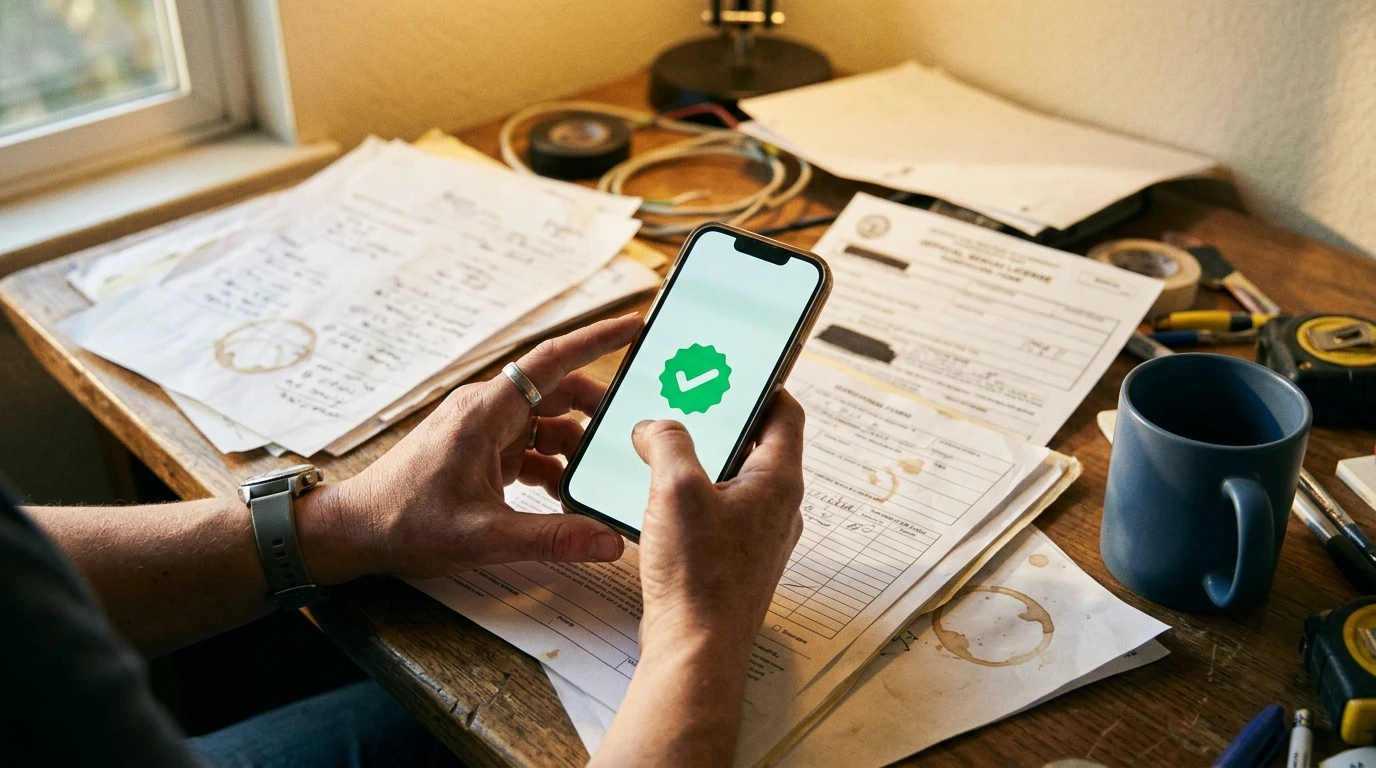
You’ve seen the badge. You search for a plumber or a roofer on Google, and some businesses have a little checkmark next to their name. Your competitors might have it. You don’t. And you want to know what it is, what it takes to get one, and whether it’s worth the effort.
Short answer: yes, it’s worth looking into. But the program has changed recently, and most of what you’ll find online is outdated. Here’s what’s actually going on.
Wait — It’s Not Called “Google Guaranteed” Anymore
If you searched for “Google Guaranteed” to get here, you’re not alone. That’s still what most people call it. But Google actually retired the Google Guaranteed badge in October 2025 and replaced it with a new one called “Google Verified.”
The old badge was green. The new one is blue. The old badge came with a money-back guarantee for customers. If someone hired a Google Guaranteed business and had a bad experience, Google would refund them up to $2,000. That refund program is gone now.
What didn’t change: the screening process. You still have to pass background checks, verify your license, and prove you have insurance. The requirements are the same. Google just simplified the branding and dropped the refund.
For the rest of this post, I’ll use both names because the badge you’re looking for is now officially “Google Verified,” even if everyone still Googles “Google Guaranteed.”
What the Badge Actually Does for Your Business
The badge shows up on Local Services Ads, those listings at the very top of Google when someone searches for a service near them. Above the map. Above the regular ads. Above everything.
When your business has the Google Verified badge, it tells the person searching that Google checked you out. Verified your license, ran a background check, confirmed your insurance. For someone who’s never heard of your business, that badge does a lot of heavy lifting.
One thing to know: the badge only appears on your Local Services Ad listing. It doesn’t show up on your regular website or your Google Business Profile. It’s tied specifically to the Local Services Ads program. If you want the full picture on how those ads work and what they cost, I wrote a complete guide to Local Services Ads that covers all of it.
Who Can Get It (and Who Can’t)
Not every business qualifies. Google limits Local Services Ads to over 70 specific business categories, and the badge comes with those ads.
If you run one of these kinds of businesses in SLO County, you’re probably eligible:
- Home services: plumbers, electricians, HVAC, roofers, house cleaners, landscapers, painters, pest control, locksmiths, movers, handypersons, garage door repair, pool cleaning, tree service
- Legal: personal injury, family law, estate law, immigration, bankruptcy
- Healthcare: dentists, optometrists, primary care
- Pet care: vets, groomers, dog trainers
- Beauty and wellness: hair stylists, barbers, personal trainers, yoga studios, massage therapists
- Automotive: mechanics, body shops
- Education: tutors, preschools, driving instructors
If you run a restaurant, a retail store, a marketing agency, or a web design shop (including us, we can’t get it either), the program isn’t available for your business type. Google has an eligibility checker on their Local Services Ads page where you can look up your specific category.
What You’ll Need (The Checklist)
Here’s what Google requires before they’ll give you the badge. None of this is complicated, but it helps to know what’s coming so you can get your documents together ahead of time.
Background check. This is the one that makes people nervous. Google’s partner runs a criminal history check on the business owner and, for certain industries, on every employee who works in customers’ homes. It covers things like criminal records and sex offender registries. It is not a credit check. And it’s free. Google doesn’t charge you for it. Most people pass without any issues.
Insurance. You need general liability insurance (or professional liability, depending on your industry). Your policy has to be active for at least 14 more days from when you submit it. The minimum coverage amount depends on your business category and location. Google will tell you the exact number when you apply.
Business license. Your state-level license, verified by Google against the state database. If you have city or county licenses too, you’ll need to confirm those yourself.
Business registration. Google may ask for a D-U-N-S number (a business ID from Dun & Bradstreet). If you don’t have one, you can also use your Secretary of State registration, your EIN, or your Department of Revenue registration.
Google Business Profile. You need a verified Google Business Profile that’s linked to your Local Services Ads account. If you already have one set up, you’re ahead of the game.
At least 5 Google reviews. Google wants to see that real customers have reviewed your business. If you’re under 5 reviews, building that up first will make the whole process smoother.
How to Apply, Step by Step
Once you’ve got your documents ready, the actual application is straightforward.
- Set up your Google Business Profile if you don’t already have one. Claim it, verify it, make sure the name and address match your official business info.
- Go to ads.google.com/local-services-ads and click “Get Started.”
- Enter your zip code and business type. Google will tell you right away whether your category is eligible in your area.
- Fill in your business details. Phone number, website, service areas, the services you offer, and your hours.
- Upload your documents through the verification dashboard. This is where you’ll submit your insurance certificate, license info, and complete the background check.
- Wait. The screening process typically takes a few weeks once you submit everything. Some businesses get through faster if Google’s initial review goes smoothly.
Once you’re approved, the Google Verified badge shows up on your ads automatically. You set a weekly budget for how many leads you want, and your ads start running.
What If Something Goes Wrong
A few things that trip people up:
If you fail the background check, you have to wait 30 days before you can reapply. If the second attempt is also denied, the wait jumps to 180 days. So it’s worth double-checking that all your information is accurate before you submit.
Insurance is another one. Google can pause your ads before your policy actually expires to prevent customers from booking work past your coverage date. Renew at least a month before it’s due.
Same goes for licenses and your Google Business Profile. Let either one lapse or get disconnected, and the badge disappears until you fix it. Keeping everything current isn’t hard, but it’s easy to forget when you’re busy running your actual business.
What YouGrow Does Differently
We manage Google Ads for local businesses here in SLO County, and that includes the whole Local Services Ads setup. The screening paperwork, the profile, the budget, monitoring your leads, filing disputes when bad leads come through. All of it.
If you’re not sure whether your business qualifies, or whether the badge would actually make a difference for the kind of work you do, just reach out. We can look at your situation and give you a straight answer.
Onur builds websites and manages Google Ads for SLO County small businesses at YouGrow.pro. Based in Arroyo Grande. Google Ads management starting at $300/month.